
Refined finite element models produce a vast amount of output data, and the FEA analyst must organize and interpret it correctly. This Book Byte presents the standard outputs of a structural FEA, which stresses each element type provides and where, how to use reaction forces and free body diagrams, and the basic rules of post-processing.

Overview
- FEA is used to simulate very complex structures and mechanical systems, and extremely refined FEMs can now be solved.
- A consequence is the vast amount of output data these simulations produce.
- The FEA analyst needs dedicated software, called post-processing software, to organize and interpret the results.
Before entering the post-processing phase, the FEA analyst must conduct the standard verification checks. If these checks have not been done, it does not make sense to post-process the results.

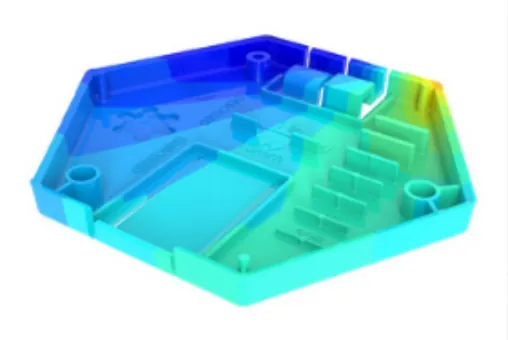
Standard outputs in FEA
- Deformed shape and displacements
- Element forces
- Stresses
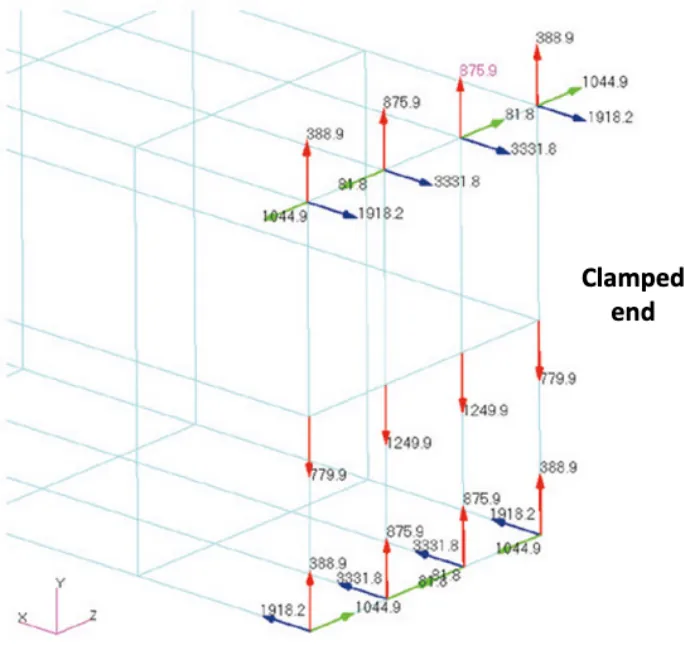
- Forces at boundary conditions
- Free body diagrams

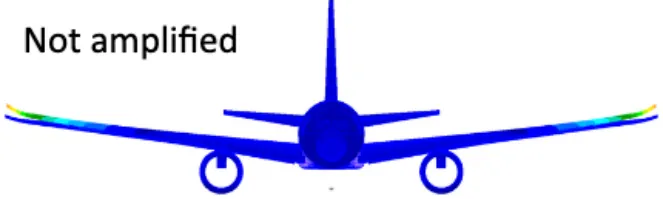
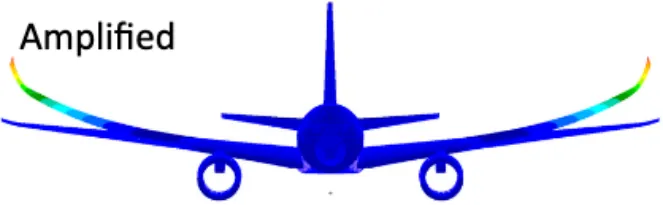
Deformed shape and displacements
The following parameters are usually available in post-processing software:
- Displacement type
- The coordinate system in which the deformation is shown
- Scale factor

Element forces
- Element forces are the loads passing through each element individually.
- The internal loads vary within the element.
- The location of the results must be specified. The most common practice is to use the centroid of the element (average value of the result in the element).
- More detailed results can be obtained by outputting the element forces at each end or each corner of the elements.
The various types of stresses
| Type of element | Location | Type of stress |
|---|---|---|
| 1D truss | Centroid | Axial stress |
| 1D beam | Centroid; extremity nodes; recovery points across the section defined by the analyst | Axial stress; shear stress (two planes); bending stress (two planes); combined stress |
| 2D membrane | Centroid; corner nodes | Membrane stresses σx and σy |
| 2D shell | Centroid; corner nodes; at z1, z2 and mid-plane | Membrane stresses σx and σy; normal stress σz; in-plane shear stress σxy; transverse shear stresses σyz and σzx; von Mises stress; principal stresses |
| 3D solid | Centroid; corner nodes; free faces | Axial stresses σx, σy, σz; shear stresses τxy, τyz, τzx; von Mises stress; principal stresses |
Forces at boundary conditions
- The forces and moments transmitted at the boundary conditions of a model can be extracted to check that equilibrium is guaranteed: Σ applied forces and moments = −Σ reacted forces and moments.
- The forces and moments at the boundary conditions can also be used to size the interfaces of the analyzed part.

Free body diagrams
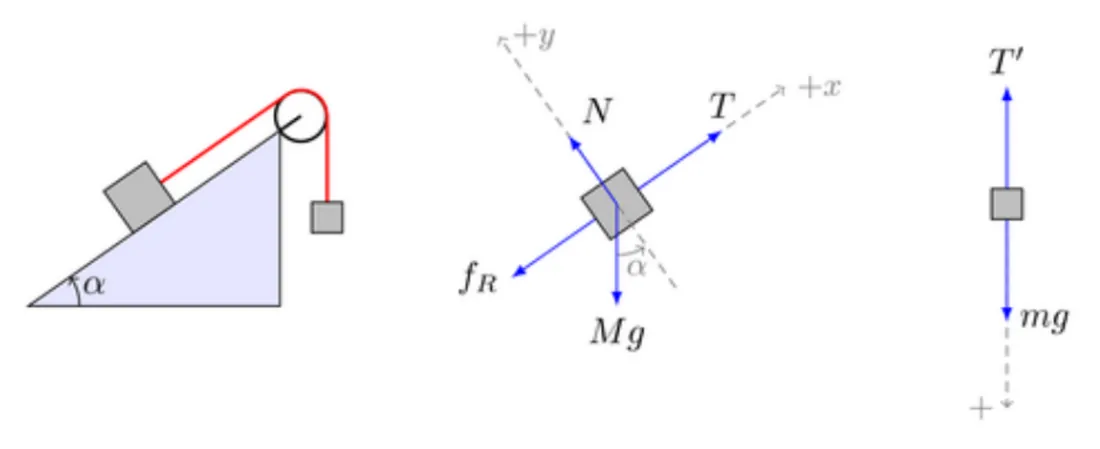
A free body diagram is a graphical representation of an analyzed part, with the surrounding objects stripped away, to help visualize the forces and moments acting on the part.

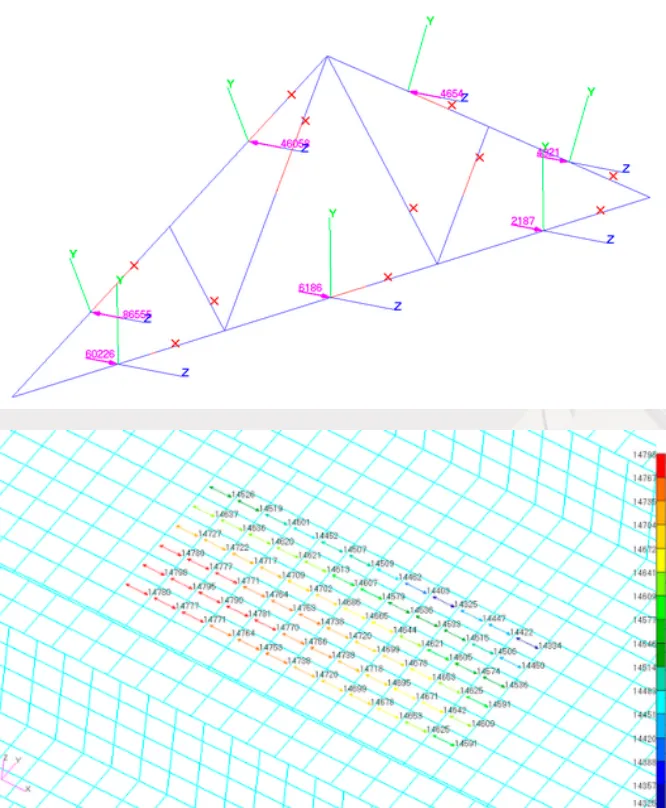
FEA software lets you output the grid point force balance, which shows the forces and moments acting on each node of the FEM. It shows the contributions from various sources:
- Element forces
- Applied loads
- Constraint forces due to boundary conditions
- MPC and RBE constraints
The FEA analyst can produce three types of free bodies with post-processing software:
- Free body loads
- Free body interfaces
- Free body displacements
Free bodies help you understand the load path for a given load case. They can also be used to generate a force or moment boundary condition set to load a refined model.
The basic rules of post-processing
- Look at the displacements first.
- Use contour plots.
- Select the appropriate stress plot.
- Extrapolate the results using the proper method.
- Do not neglect the convergence study.
- Validate the linear assumption.
- Select the appropriate type of stress.
- Pay attention to coordinate systems.
- Post-process top and bottom stresses for 2D shell elements.
- Do not neglect vector plots.

Go further
This Book Byte is taken from Chapter 17 of Practical Finite Element Analysis for Mechanical Engineers by Dominique Madier. The topic is covered in depth, with worked examples, in the on-demand course Practical Basic FEA.
See the Practical Basic FEA course Take the free FEA diagnostic